
[CS50] 01 0’s and 1’s
Published:
In this post, the first lecture of CS50 is summarized.
Binary Representation
In computer system, Binary representation is used instead of Unary numeral system to express data and instructions. It is natural for the computer system since computers are electrical devices and there are only two states in electricity - either electricity is there or not.
There are millions of transistors inside hardware devices and there are just on or off like a switch. If it’s off we map this state as 0, and as 1 in the other case. This single binary digit is ‘bit’.
Below is an explanation of how numbers, colors, images, etc., are represented using 0 and 1.
Numbers
It is represented using the binary numeral system. For example, ‘101’ represents the number 5.
Characters
Initially, ASCII (American Standard Code for Information Interchange) was used. ASCII is a 7-bit character encoding standard established by the American National Standards Institute (ANSI) in 1963 for information interchange. Although a byte consists of 8 bits, only 7 bits are used for ASCII characters, and the remaining 1 bit is used for parity checking for communication error detection. With 7 bits used for character assignment, ASCII can represent a total of 128 characters. Below is the ASCII table. For example, to represent ‘A’, the binary representation corresponding to the decimal number 65, which is 1000001, is used.
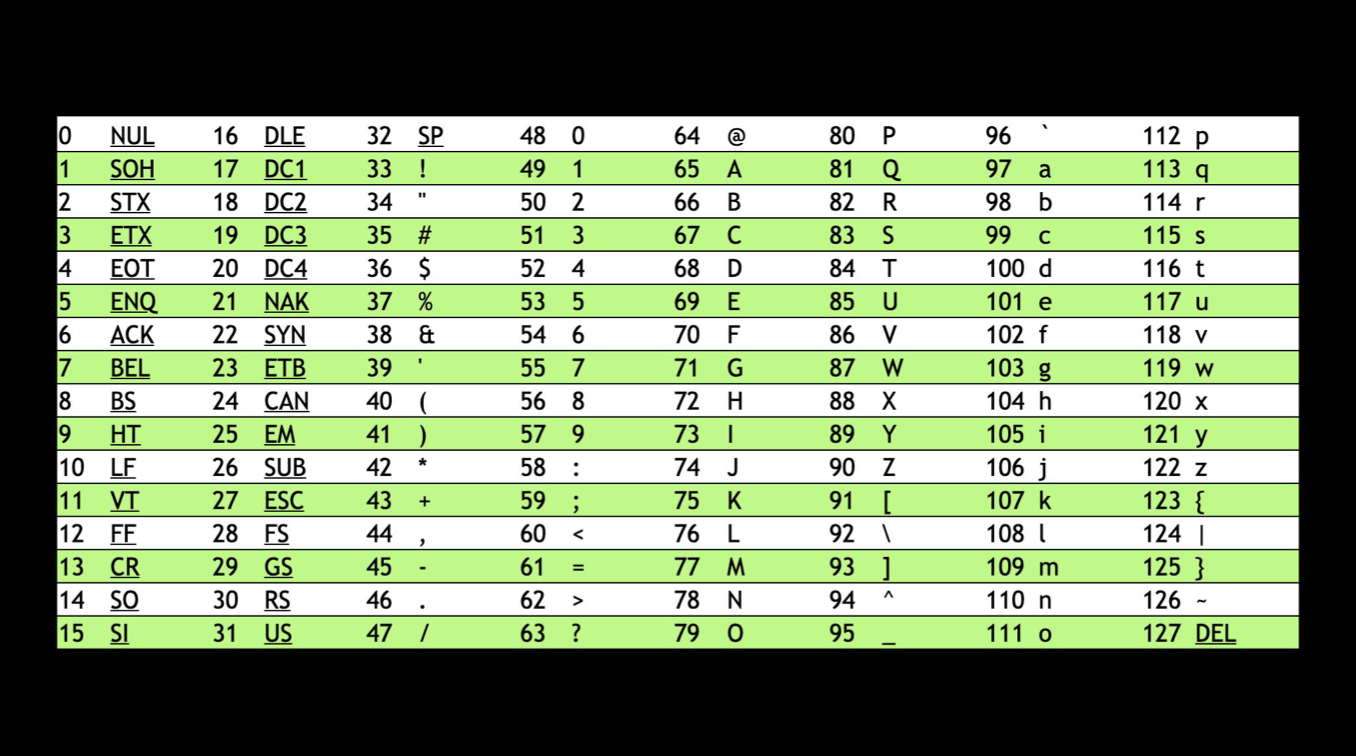
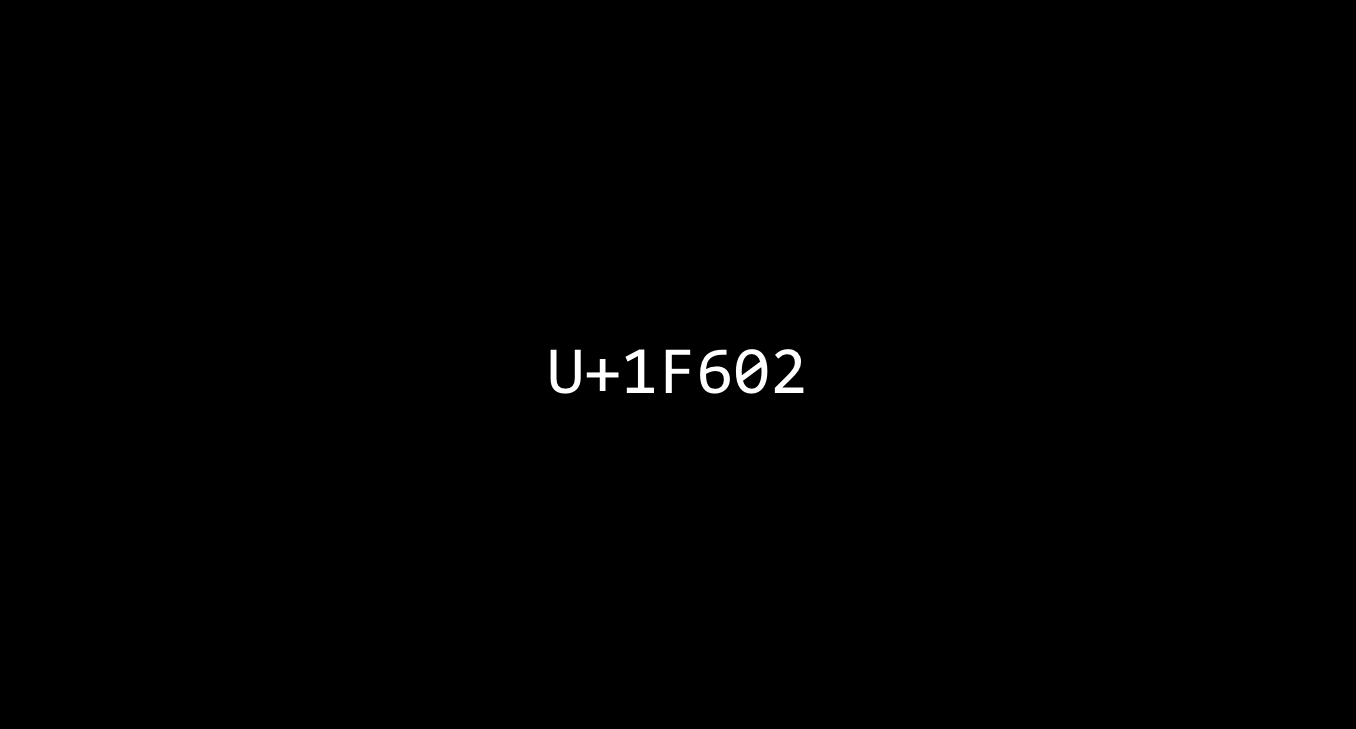
However, the world contains a variety of characters beyond the alphabet, including emojis. It is not possible to represent all of these with just the 128 ASCII codes. Currently, Unicode is used. Unicode is a superset of ASCII and assigns 16, 24, or 32 bits. Unicode code points are integer values mapped to each character, represented in hexadecimal notation as shown in the diagram below. And it is the Unicode for the most popular emoji in 2023, ‘Face with tears of joy’.

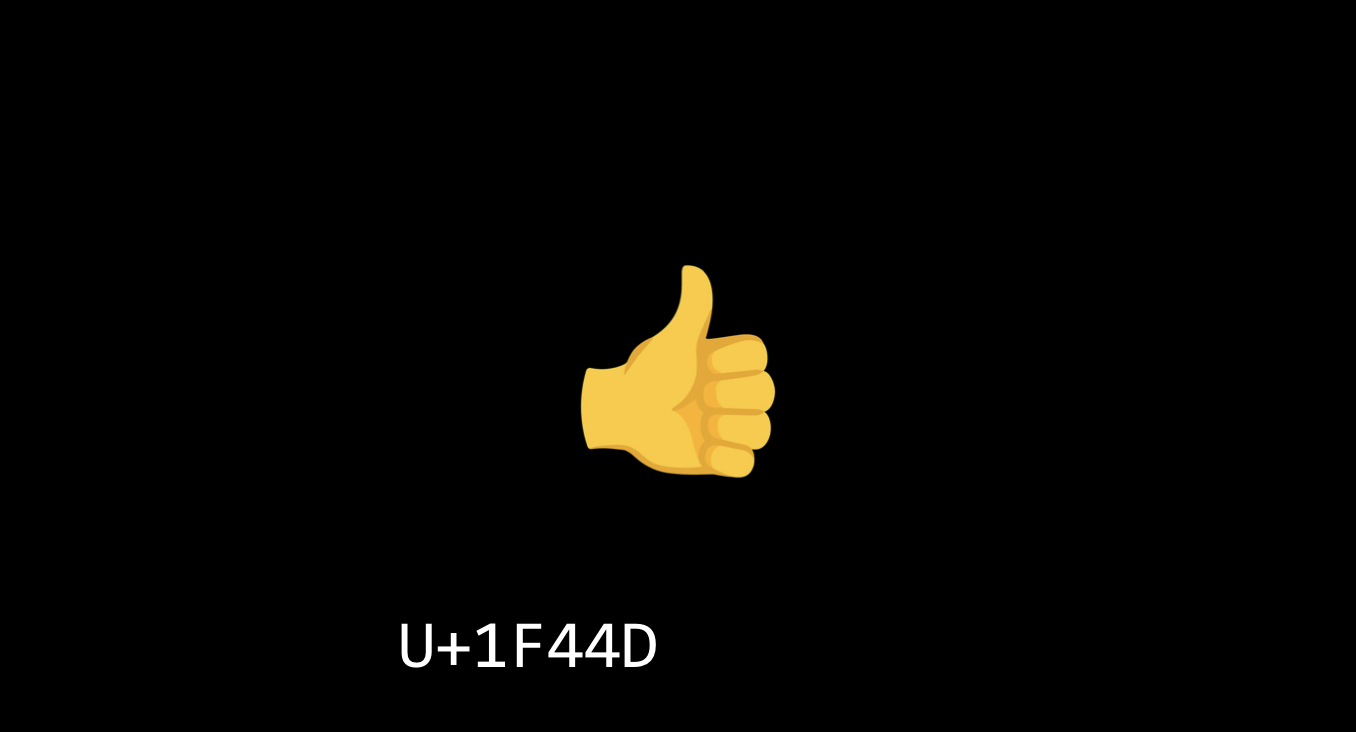
Now, what if we want to customize the emoji by changing its skin color? If different Unicode code points are assigned to emojis that are essentially the same but differ only in skin color, it will significantly increase how many unique pattern of 0/1 we need for every possible face and skin color.
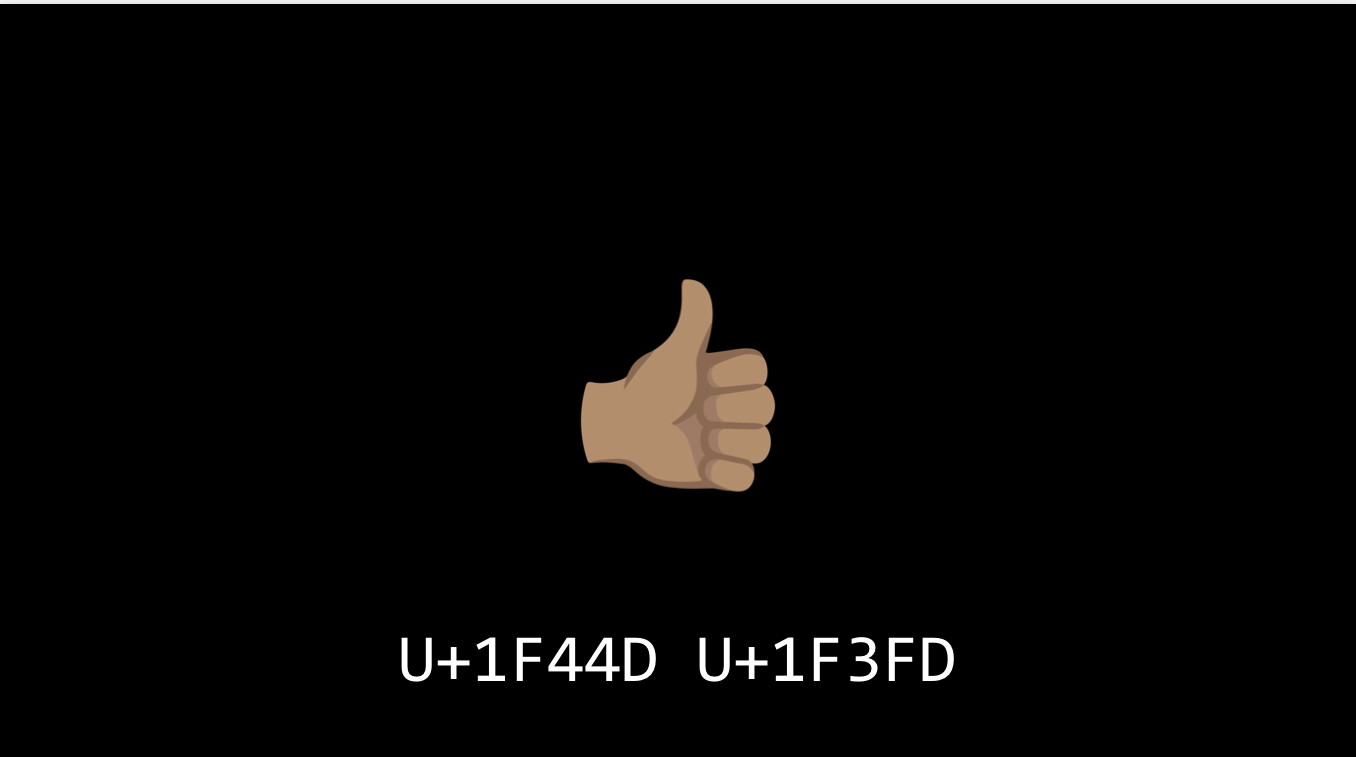
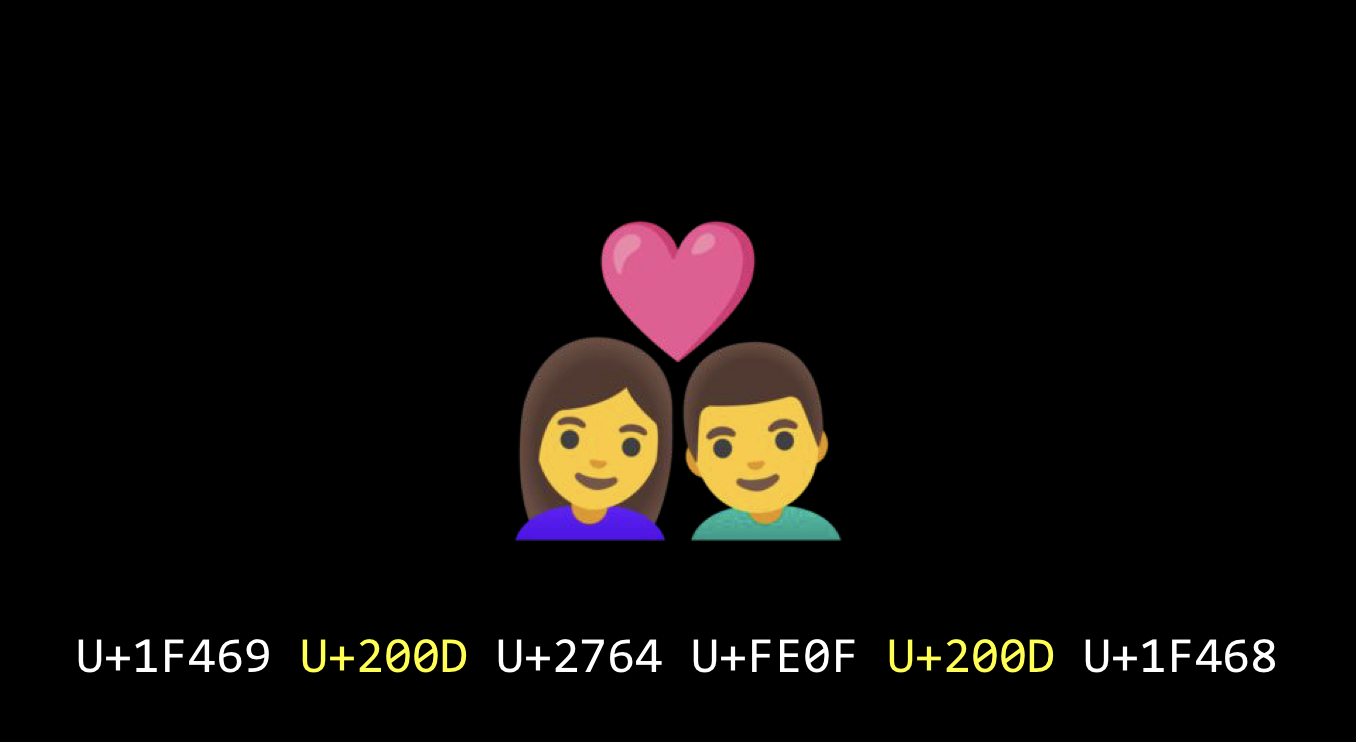
But if we think about it from engineering perspective, we can actually just think of skin tone as modifying same default color we use. We use the same pattern of bits to represent the emoji below, and then modify that character to be displayed with a different skin tone.
Among the emojis, the first and last Unicode code points respectively represent a woman and a man, while the 3rd and 4th code points signify a heart. Additionally, the 2nd and 5th are zero-width joiner (ZWJ) characters, which role is to glue the emoji at left to the enoji on the right.
Image, Video
Images are composed of pixels, and the color of each pixel is determined by its RGB values. Each component of R, G, and B is represented by 1 byte, using values from 0 to 255. For example, red would be represented as (255,0,0).
If the photograph is 3 megabytes, which is equal to 3 million bytes, it means it is composed of 1 million pixels, roughly speaking.
Video is just many images. 30 FPS means 30 frame per second.
Music
Maybe composed of (note, duration, loudness).
Instructions
Not only the data, but also instructions is expressed by 0 and 1.
But How do we know what type it is
In ASCII Code, (72, 73, 33) is ‘Hi!’, but in RGB value it represents yellow. How do we reconcile this? It depends on the context. If you received a text message or an email, odds are the pattern of 0’s and 1’s that the computer is showing you are going to b interpreted as text. If you open a calculator app, the same pattern might be interpreted as numbers and for some addition, or subtraction. In Photoshop, colors. The onus will be on the programmer, to tell the computer, interpret the following sequence of bits as a number, or a letter, or something else. The programmer won’t have to even worry about what the 0’s and 1’s are but need to give the computer a hint as to what type of file or piece of data you’re representing.
Leave a Comment