
[CS50] 02 Data Types
Published:
In this post, the second lecture of CS50 is summarized.
Compiler
More detailed information on the compiling process will be covered in next week’s lecture, but for now, let’s briefly look at what role the compiler plays. Compiler is a program that translates one language to another. Now, we’ll talk about it in the context of translating source code to machine code. Source code is a code that human writes. Machine code is a sequence of 0’s and 1’s for computers to understand. Below is a source code written in C language, that prints “hello, world!”.
#include <stdio.h>
#include <cs50.h>

int main(void){
    printf("hello, world!\n");
}
In C, a lot of functionality that comes with the language is tucked away in seperate files. So if you want to use certain functions, you have to tell the compiler. In stdio.h, there is a declaration for printf function that will teach the compiler how to print things to the screen. #include tells the compiler before it does anything else, essentially go ahead and find on the local hard drive a file called stdio.h and copy/paste it there.
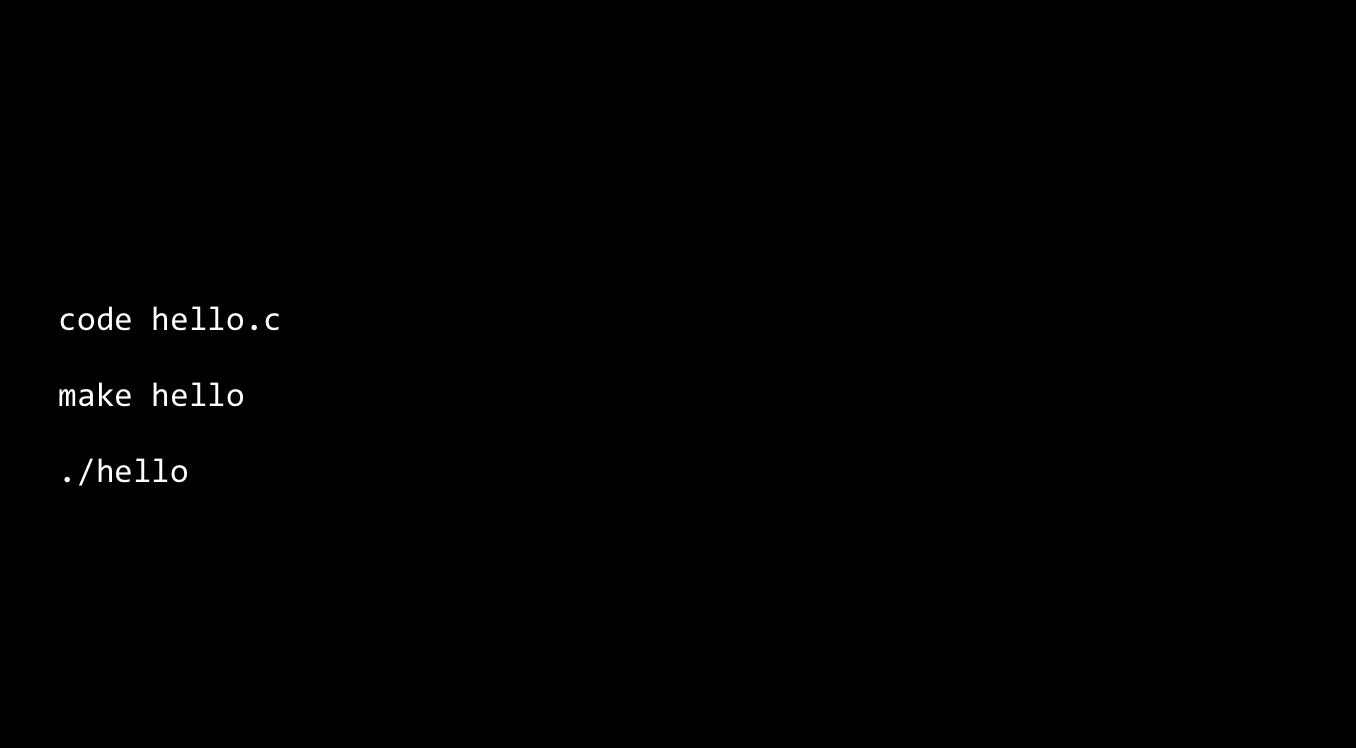 In the picture above, command ‘code hello.c’ opens or creates newfile named ‘hello.c’. Command ‘make hello’ makes the compiler to compile ‘hello.c’ to a machine code ‘hello’. Finally, we can run this actual code by ‘./hello’.
Function Prototype
Errors will occur if you try to compile the following source code.
#include <stdio.h>
#include <cs50.h>

int main(void){
    hello();
}

void hello(void){
    printf("hello, world!\n");
}
In C, if you try to call a function, the function should be defined it higher up. So the simplest fix is going to paste the hello function above the main function. However, it is not a good way to write a code. We could contrive a situation where one function needs to be above the other, but it needs to be above the other. And that’s not going to work in general. More importantly, it just pushes main lower and lower in your file. In convention, since main function is the entry point of your code, it’s useful for main to always be at the top of a file. So instead, we can only copy the function’s prototype and paste it up. A function’s prototype is consists of the return type, the name of the function, and any arguments.
#include <stdio.h>
#include <cs50.h>

void hello(void);

int main(void){
    hello();
}

void hello(void){
    printf("hello, world!\n");
}
Now, that’s enough of a hint to the compiler that, OK, it doesn’t exist yet, but it will.
Variable Scope
Errors will occuur if you try to compile the following source code.
#include <stdio.h>
#include <cs50.h>

int add(void);

int main(void){
    int x = get_int("x: ");
    int y = get_int("y: ");

    int z = add();
    printf("%i\n", z);
}

int add(void){
    return x + y;
}
Scope refuers to the context in which variables exist. Variables only exist in the context of the outer coruly braces that are nearest to them. In the code, x and y are not in scope for the add function. We can solve this problem as below.
#include <stdio.h>
#include <cs50.h>

int add(int a, int b);

int main(void){
    int x = get_int("x: ");
    int y = get_int("y: ");

    int z = add(x, y);
    printf("%i\n", z);
}

int add(int a, int b){
    return a + b;
}
So what happens essentially when I call the add function is I’m knd of passing in x, y but the add function is going to think of them as a and b respectively.
Data Types
Integer Overflow
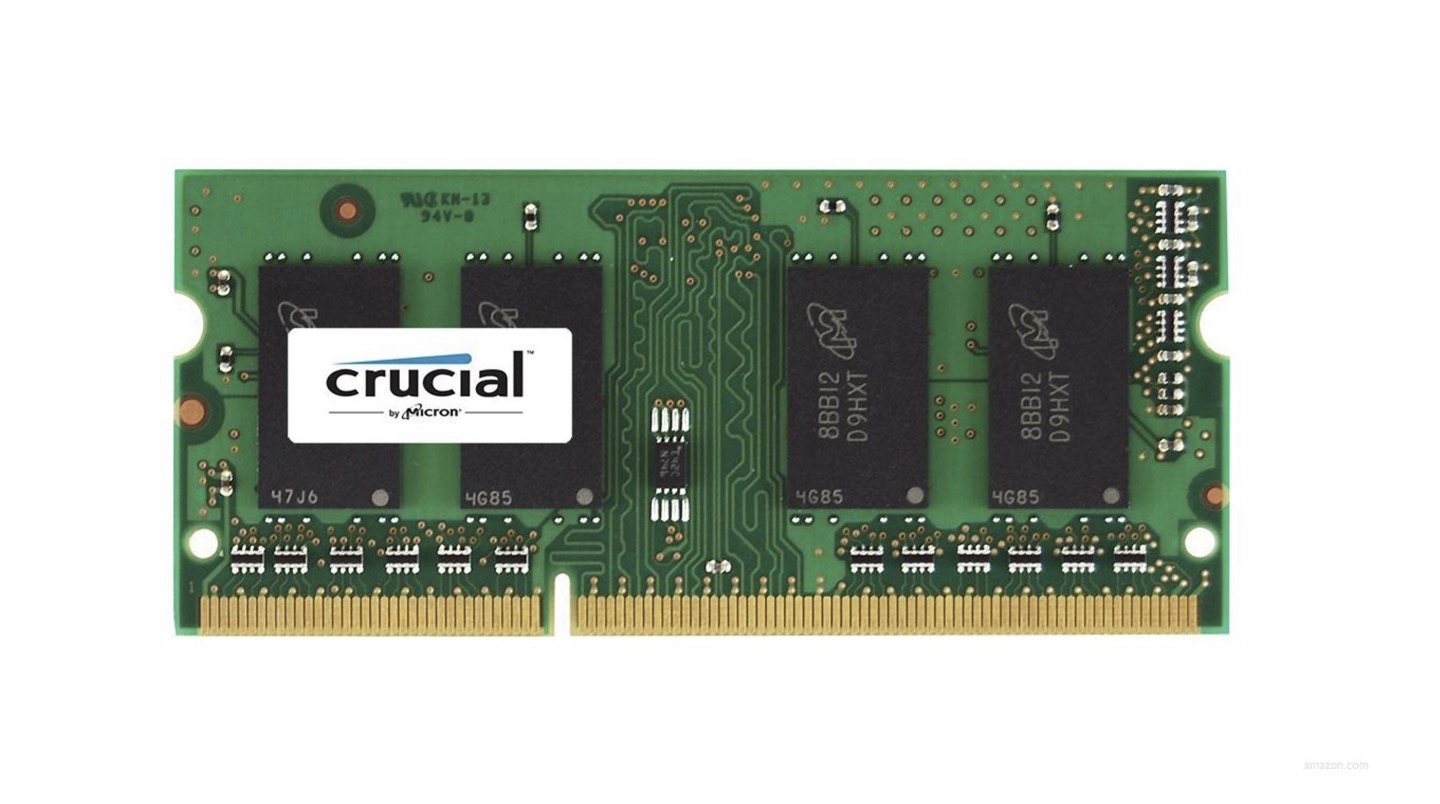 In every computer device, there’s something that looks like this, which is called “RAM”. This is wehre data is stored. Any data in your program is stored ultimately in the computer’s memory. And the most important takeaway for today is that all of us only have a finite amount of memory in our devices, which means there are fundamental physical limitations. Integer overflow is a thing in computers whereby if you don’t have enough memory, if you count high enough, the number will wrap around back to 0 (or negative number). Normally, integers are stored in 32 bits(4 bytes) memory, which can express the integer same or less than 4294967295. 4294967295 is the highest number you can count with 32 bits if you don’t bother with negatives. But if you want negative numbers, you’ve got to half that. So it thruns out that when you are using data types in C, you have some control over how many bits are actually used. For example, if you use int as a data type, you can stroe integers from -2^31 to 2^31-1. If you use unsigned int, you can store integers from 0 ~ 2^31-1. ‘unsigned’ is a qualifer that can be applied to certain types (including int), which effectively doubles the positive range of variables of that type, at cost of disallowing any negative values.
- char, is used for variables that will store single characters. Characters always take up 1 byte of memory (8 bits). This means the range of values they can store is necessarily limited to 8 bits worth of information. Thanks to ASCII, we’ve developed a mapping of characters like A, B, C, etc… to numeric values in the positive side of this range.
- long, is used for variables that will store integeres in 64 bits.
- float, is used for variables that will store floating-point values in 4 bytes of memory (32 bits).
- double, is used for variables that will store floating-point values in 8 bytes of memory (64 bits).
- void, is a type, but not a data type. Functions can have a void return type, which just means they don’t return a value. The parameter list of a function can be void. It simply means the function takes no parameters. For now, think of void morea s a placeholder for “nothing”. It’s more complex than that, but this should suffice for the better part of the course.
Truncation
If you give x = 1, and y = 3 as an input for the code below, the output z will be ‘0.000000’.
#include <stdio.h>
#include <cs50.h>

int main(void){
    int x = get_int("x: ");
    int y = get_int("y: ");

    float z = x / y;
    printf("%f\n", z);
}
This is because of an issue called truncation. It means if you take an integer, and you divide it by an integer, even if you get a fractional value, the fraction just gets thrown away because you’re only doing integer-based math. To solve this problem, we can actually convert, or cast, integers to floating point values.
#include <stdio.h>
#include <cs50.h>

int main(void){
    int x = get_int("x: ");
    int y = get_int("y: ");

    float z = (float) x / (float) y;
    printf("%f\n", z);
}
We call this type casting, converting one type to another, or technically treating one type as though it’s another.
Floating-point imprecision
Just like integer overflow, floating-point imprecision is caused by the limitation of amount of memory. Floating point imprecision means that you can’t possibly represent the infinite number of real numbers if you have a finite amount of memory.
Leave a Comment