
[Linux] shebang
Published:
In this post, the concept of shebang is introduced.
shebang
Shebang is a portmanteau of sharp (#) and bang (!). In Unix operating systems, it refers to the notation at the top of a script (such as a Python script or shell script) that specifies the absolute path to the interpreter that should be used to execute the file.
#! /usr/bin/env bash
#! /usr/bin/env python
In order to use shebang in python script, you can find out the path of python interpreter you are using by ‘which python’ command. Click here to know more about ‘which python’. Then, add that path to the top of your python script.
#!/usr/bin/python

python code...
The shebang (#!/path/to/interpreter) at the top of the script specifies which interpreter should be used to run the script. This line is only relevant when the script is executed directly. By default, a script file might not have execute permissions. To run the script directly (e.g., ./script.py), the operating system needs to recognize that the file is executable. The chmod command is used to change the file permissions. By applying chmod +x script.py, you grant the execute permission to the script file. This allows the operating system to use the shebang line to determine the interpreter and execute the script accordingly.
$ chmod +x script.py
If you make a script executable using chmod but do not include a shebang (#!) line at the top, the behavior depends on how you execute the script and the shell’s default interpreter. If there is no shebang line and you execute the script directly (e.g., ./script.py), the shell will attempt to execute the file using its default interpreter, which is typically the system’s default shell (e.g., /bin/sh or /bin/bash). This usually results in an error if the script is written in Python, as the shell will not recognize Python syntax.
using ‘.sh’ file
Applying a shebang directly to a Python script versus using a .sh file with a shebang to run the Python script has some differences in terms of usage and execution flow. Below is ChatGpt’s answer about it.
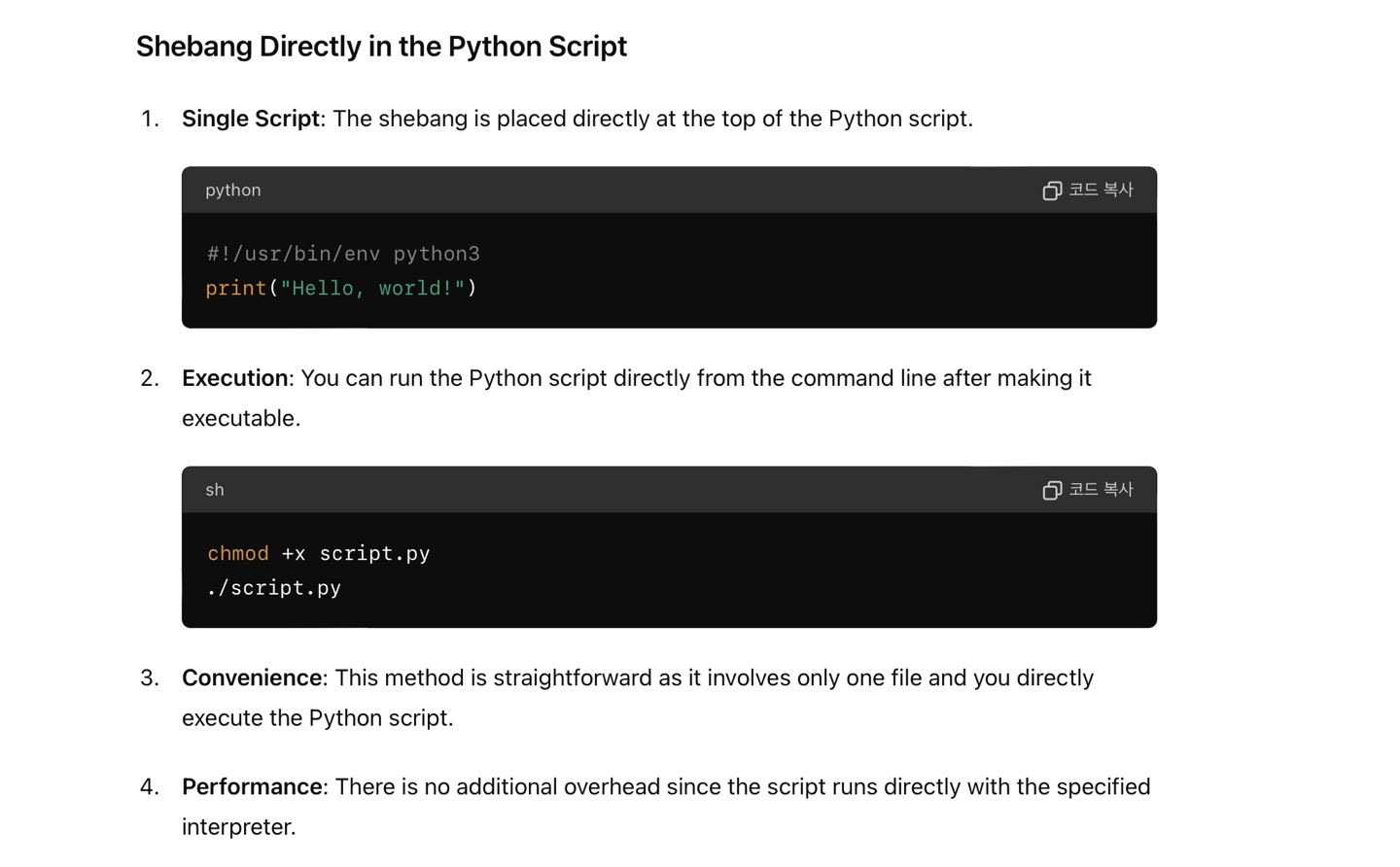
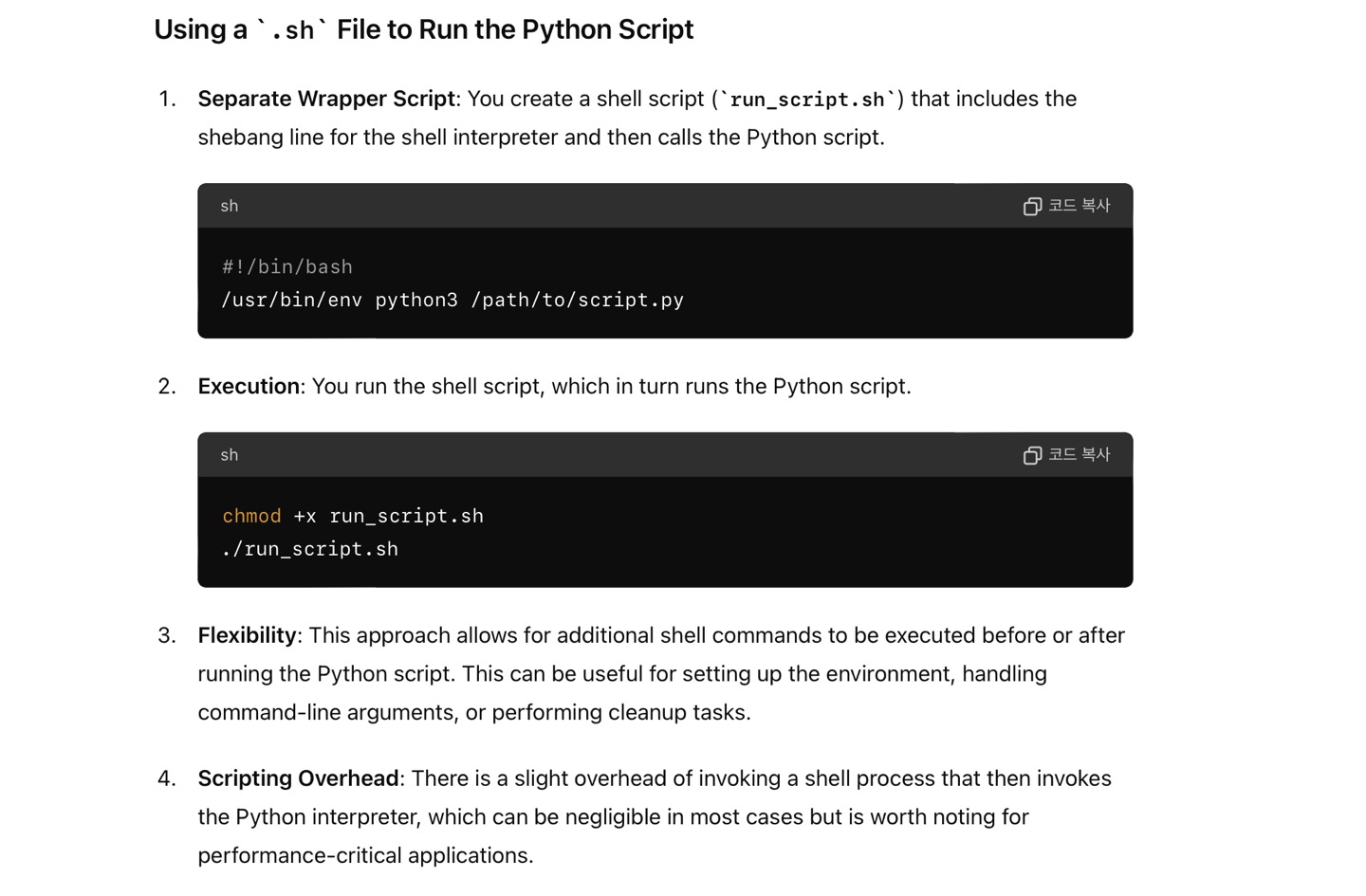
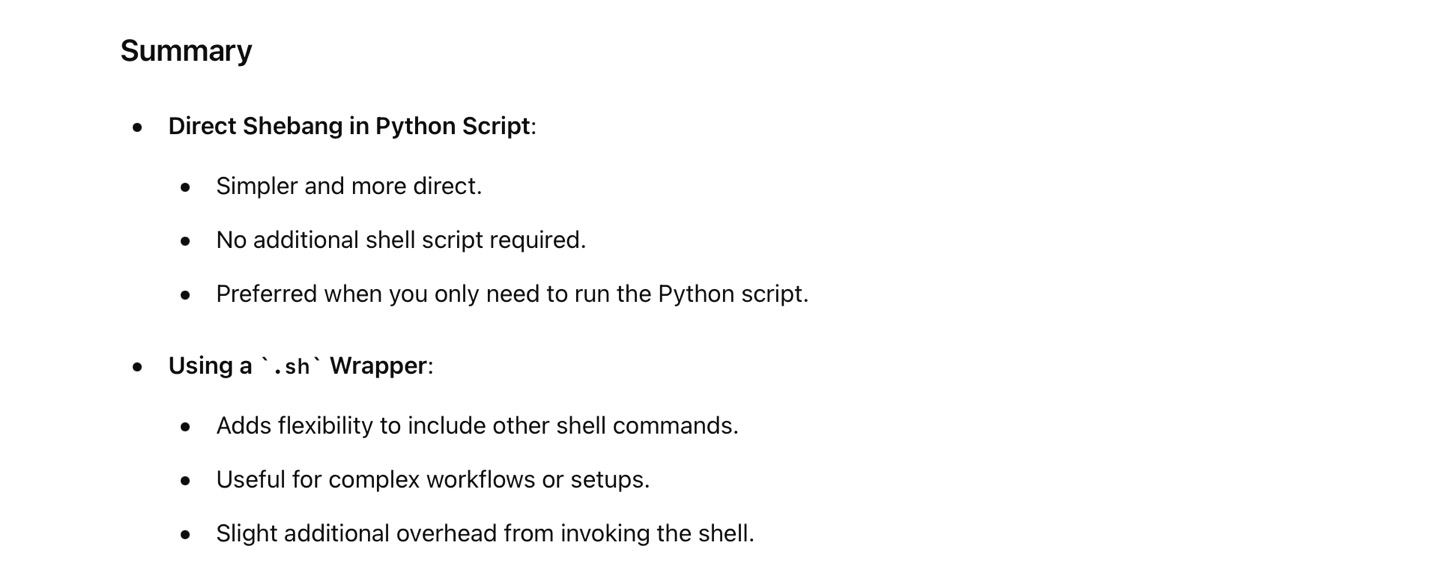
Click here to know more about ‘.sh’ file.
*Reference Site: https://wikidocs.net/16051
Leave a Comment